Connecting your Shopify Store with ShipHero
Last updated: June 2, 2026
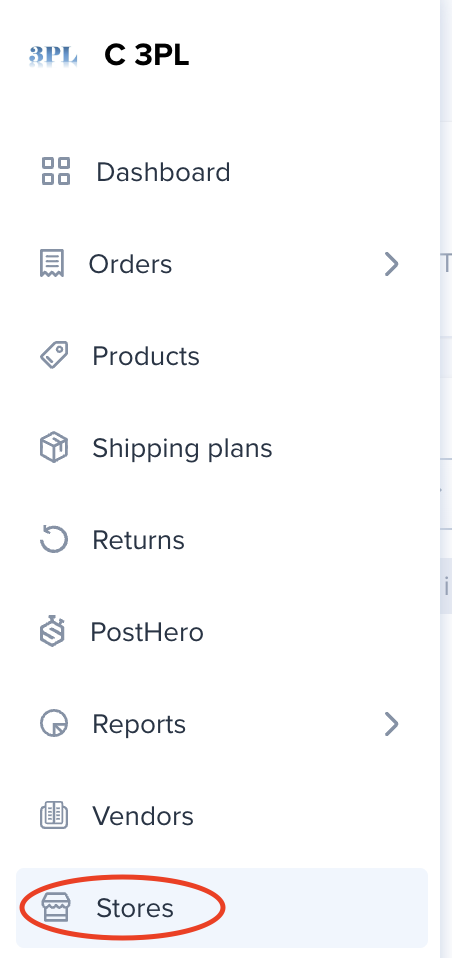
1. Log into www.shipsfor.us and click Stores on the left navigation menu.
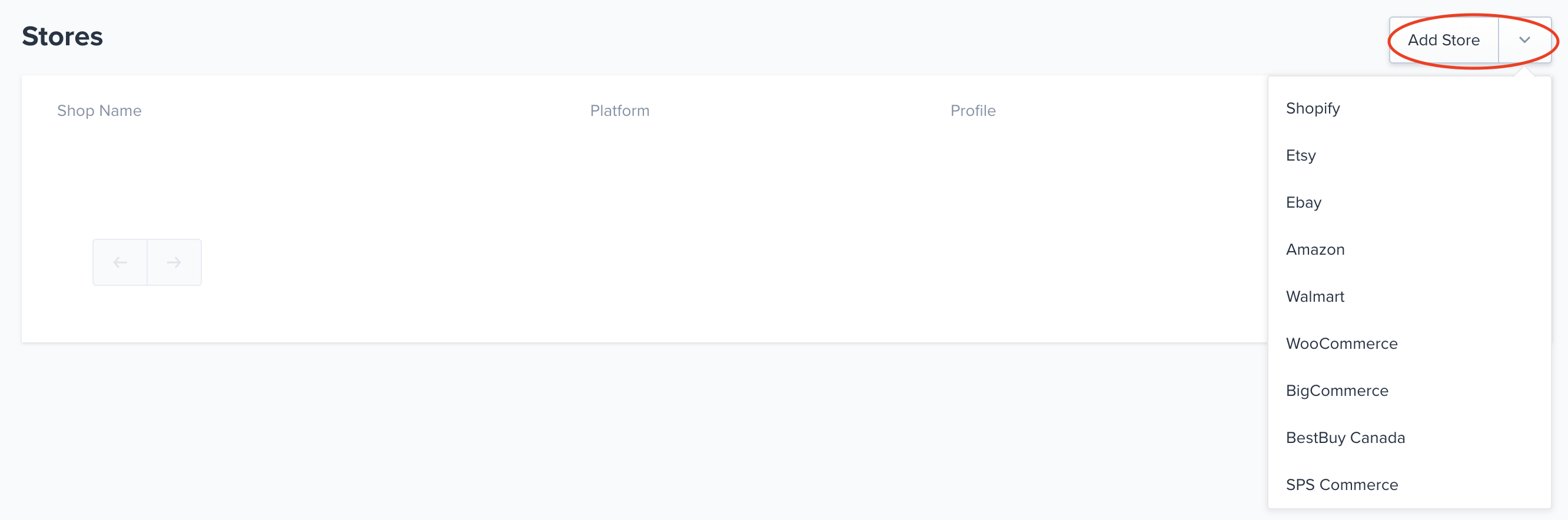
2. Click Add Store and select Shopify from the dropdown.
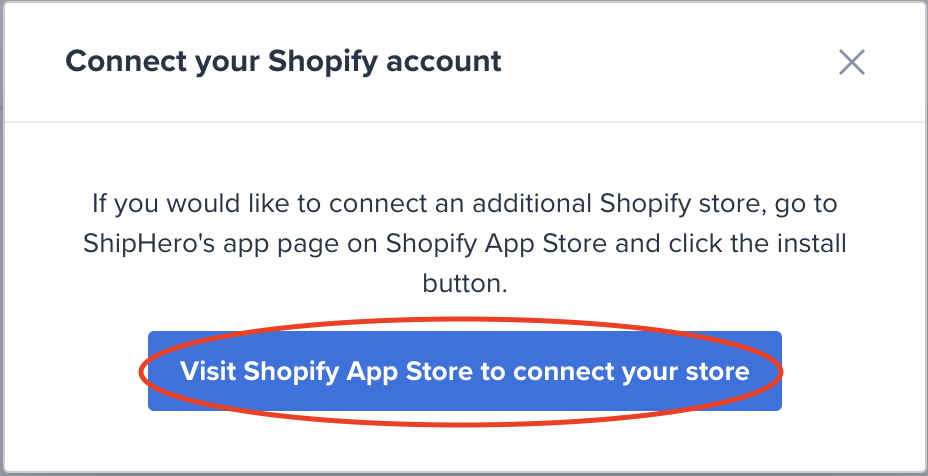
3. On the modal that pops up click on "Visit Shopify App Store to connect your store."
4. Follow the instructions on Shopify App Store to install "ShipHero Inventory & Shipping" app.
5. On your Shopify account authorize the app installation.
6. After a couple of minutes (your orders and products are being downloaded into the system) you will see the Shopify store connection in the Portal (you can try refreshing the portal every couple of minutes.)